
Settings Overview
Here is an overview of the key features in Settings page in the Uppush Web Push & Email Marketing app.
1. Store Information
This section allows users to input their store details like store name, address, country, timezone, and more. These details help customize emails and notifications sent out to customers, ensuring consistent branding and relevant location-specific information.
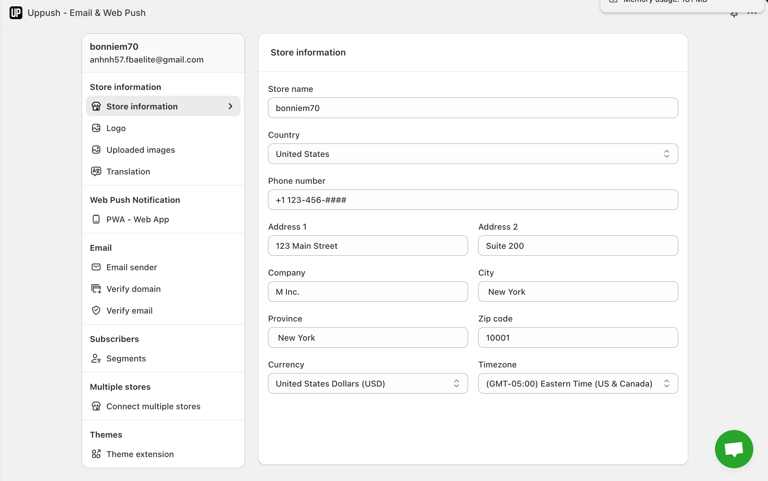
Store Information Setitings
2. Logo
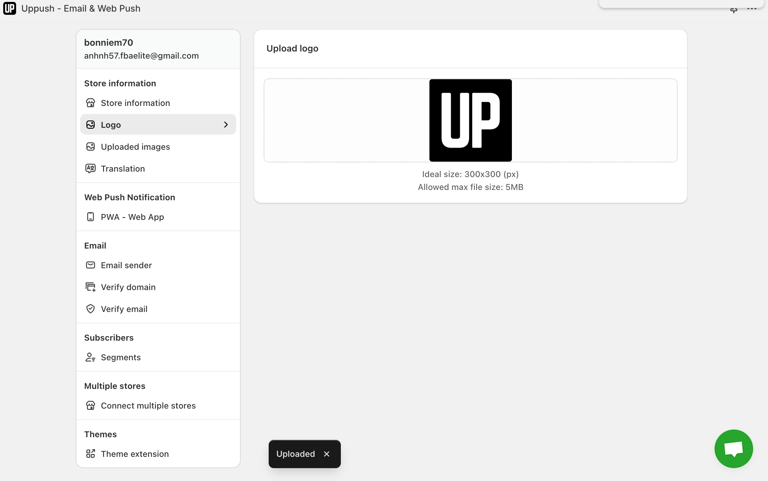
Users can upload their store's logo, which can be displayed in email templates and notifications. This helps maintain brand identity and adds a professional touch to communication with customers.
3. Upload images
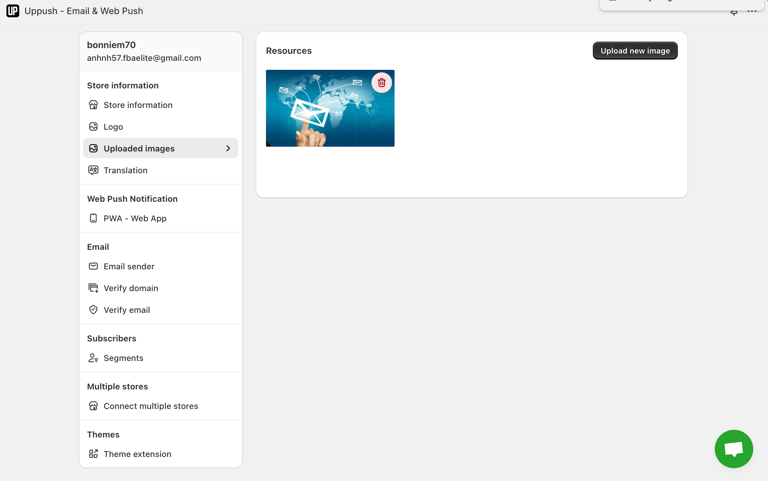
This area allows users to upload and manage images that can be used within email templates or notifications. It's helpful for adding promotional banners or product images directly to campaigns.
4. Translation
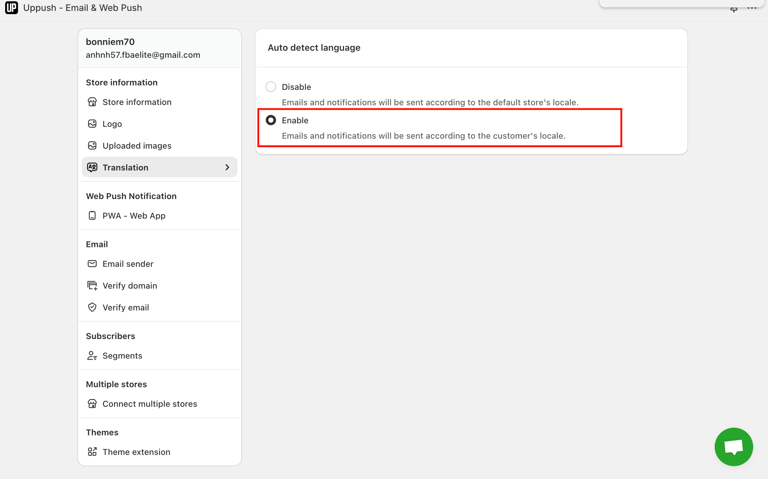
The translation setting enables automatic language detection, allowing emails and notifications to be sent in the customer’s preferred language. This helps ensure better engagement by providing a localized experience.
5. List Discount
6. Discount applied
7. PWA - Progressive Web Application
Users can enable Progressive Web App (PWA) features for their store, allowing customers to install the store's web app directly from their browser. Users can set the app's name, description, and primary color for better customization.
6. Email Sender
Users can configure the reply-to name, email address, and sender name. This allows better control over how emails are presented to customers.
7. Verify Domain
To ensure emails are sent from a verified domain, users can authenticate their domain. This helps improve email deliverability and branding consistency.
8. Verify Email Test
Before sending test emails, users need to verify their email address to ensure emails reach the intended recipients during testing.