
Customer winback
Automatically sending win-back notifications to returning customers
The Customer Win-back allows you to automatically send notifications to subscribers who have been inactive for a period of time.
This journey syncs with your Shopify customer and order data to identify inactive customers based on their last order or activity.
The win-back notification is sent automatically when the defined inactivity condition is met.
To enable customer win-back automation and bring customer back to your store:
- Select 'Automation' on the Uppush Dashboard.
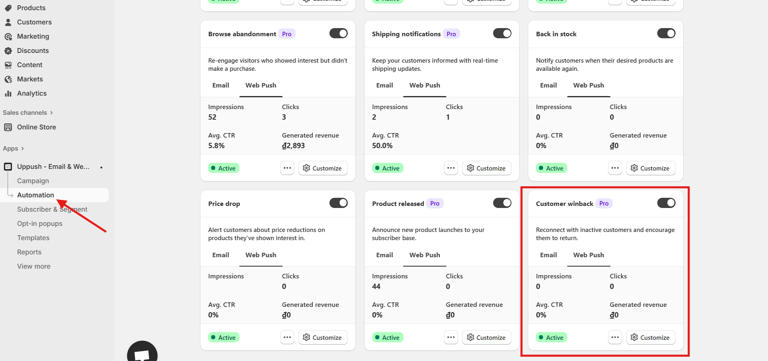
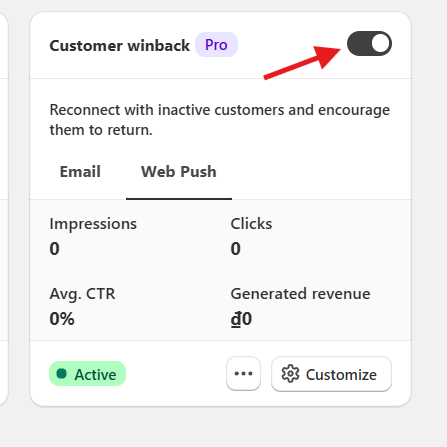
- Turn on the Customer winback using the Toggle
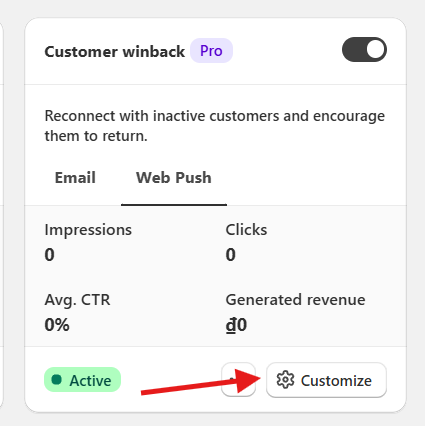
- Click on the "Customize" button to edit it further
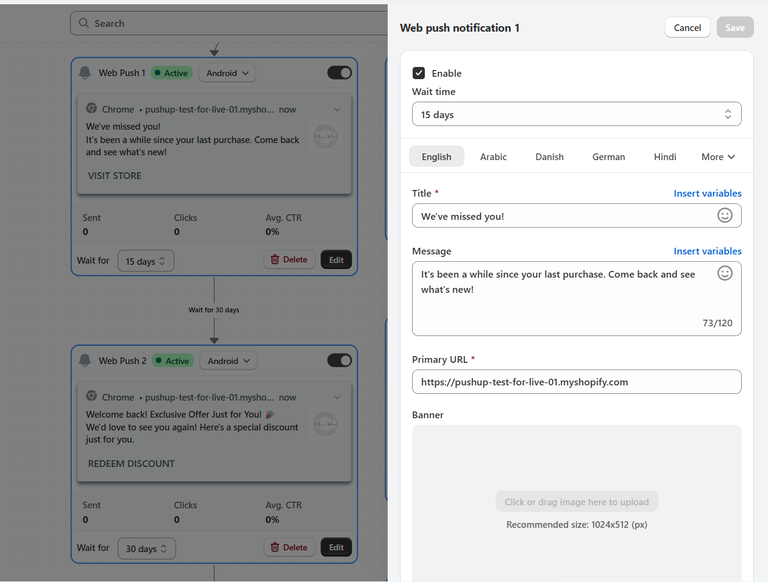
- You can have the report of the notification here. Then you could click "Edit" to edit the notification further
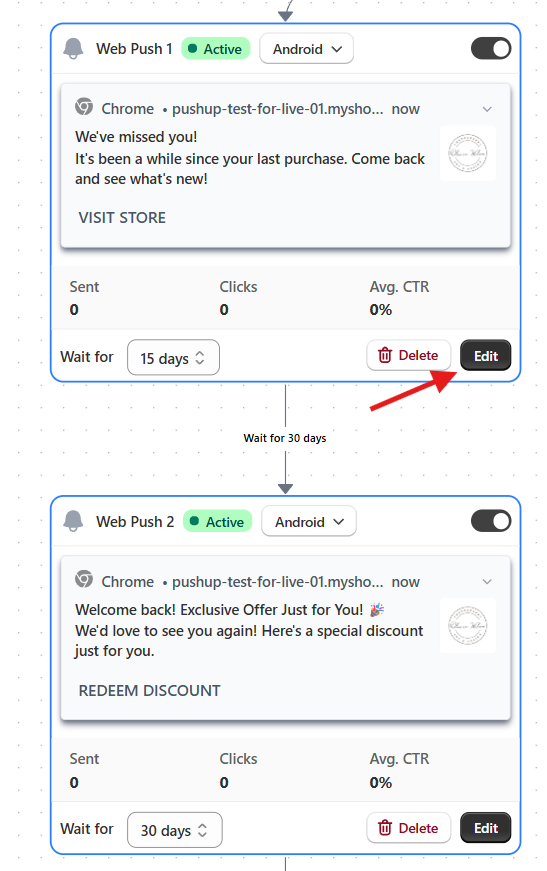
- Edit the notification as you like and our system will automatically save it for you
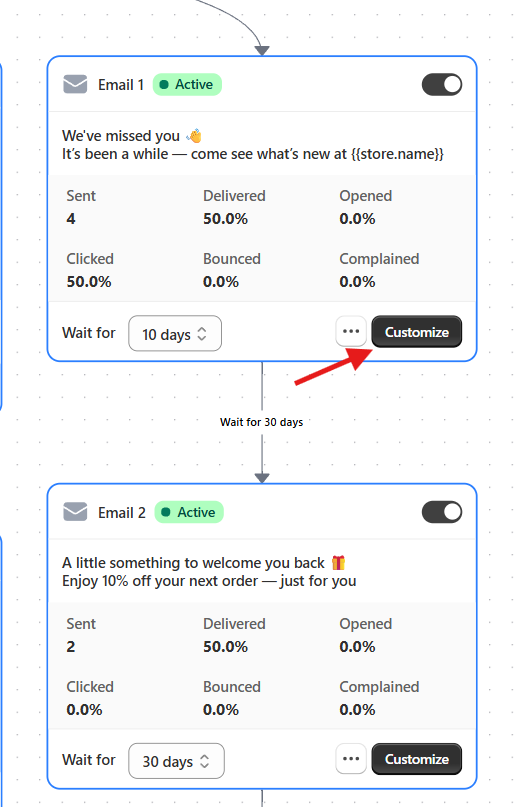
- You can view the email report here. Then, you can click “Customize” to further customize the email content.
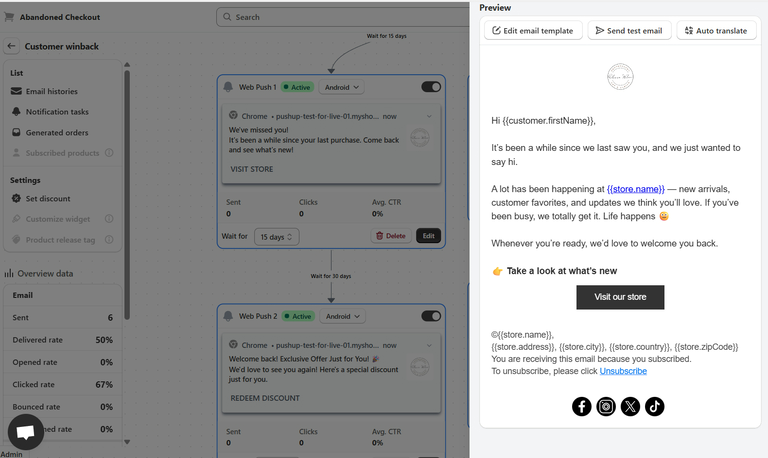
- Edit the email as needed, and our system will automatically save your changes.
Your Shipping notifications are set up!