
Price drop alert
Shoppers who are not ready to buy at today's price can ask to be told when it goes down. When you lower the price, the price drop flow alerts them with the new price.
Before you start
- The Uppush app embed must be on in your theme — it shows the subscribe button on product pages. See Theme extension.
- Available on paid plans (Starter, Premium, Pro).
Set it up
- Go to Flows and click New flow.
- Under Remind customers to purchase, choose Price drop alert · Standard and click Use this template.
- Click Customize widget at the top of the builder to adjust the button on your product page.
- Review the messages, then click Save and Turn on.
How it works
- A shopper subscribes to price drops for a product on its product page.
- You lower the price of that product in Shopify.
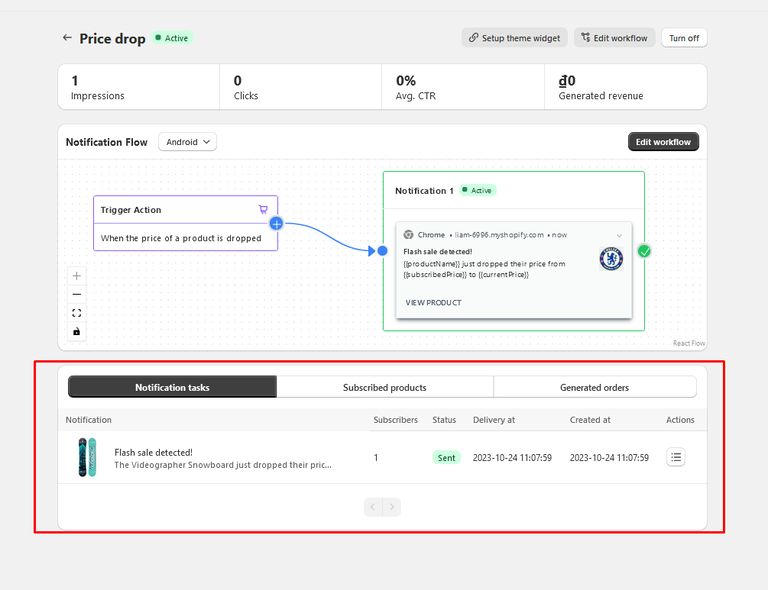
- The flow starts for each shopper watching that product: a push right away, and the email 10 minutes later.
- Trigger: Product price dropped.
- Exit when: the shopper places an order.
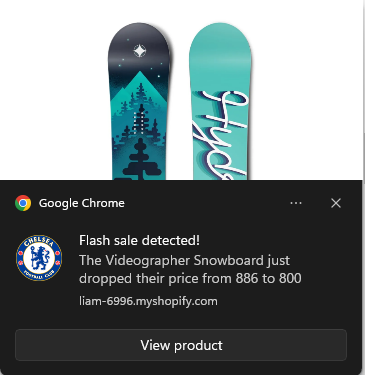
Use and in the push notification to show the new price next to the price when the shopper subscribed. Click Product subscribers in the builder to see who is watching which product.
Other versions
- With follow‑up reminder — a second push and email one day later, while the deal lasts.
Tips
- Use a trigger filter to limit alerts — for example only products with a certain tag (Product tags contains any of "sale"), or only products above a certain Product price.