This guide is outdated
Automations have been replaced by Flows — a new builder with more useful features: web push and email in one journey, your own timing, conditions and A/B tests, 33 ready-made templates and detailed reports. Your automations were converted into flows automatically.
Read the up-to-date guide: New product launch
Product release
Sending a notification to customer when you release a new product.
Product Released Notification allows you to send a notification to all subscriber about a new product that is about to be released. Only customer who has agreed to subscribe to your store will receive the notification.
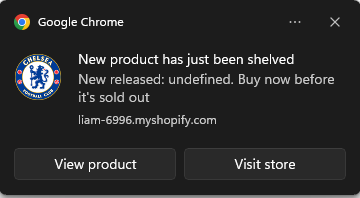
Here is how You can set up the Product Release Notification:
- Go to "Push Automation" in the Uppush Dashboard and choose "Product Release"
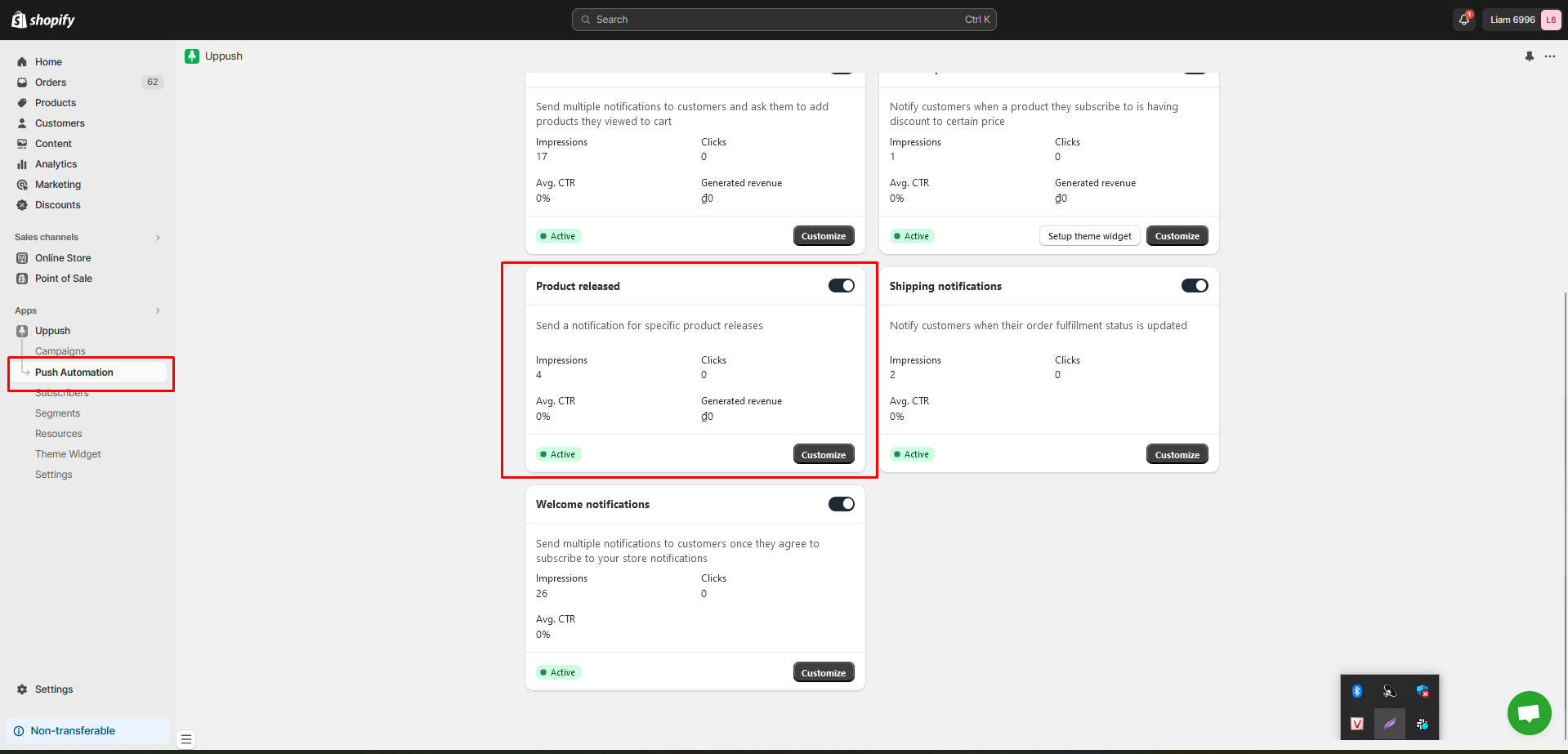
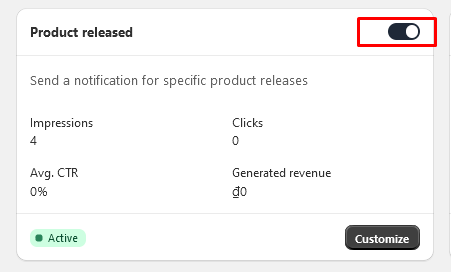
- Turn on the "Product Release" Notification by click on the toggle button
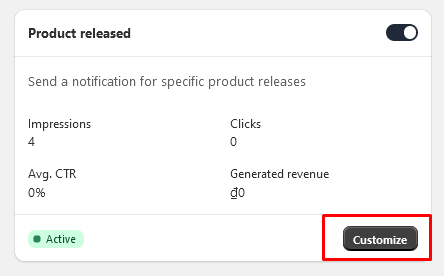
- Click on "Customize" button to have more information and edit the notification
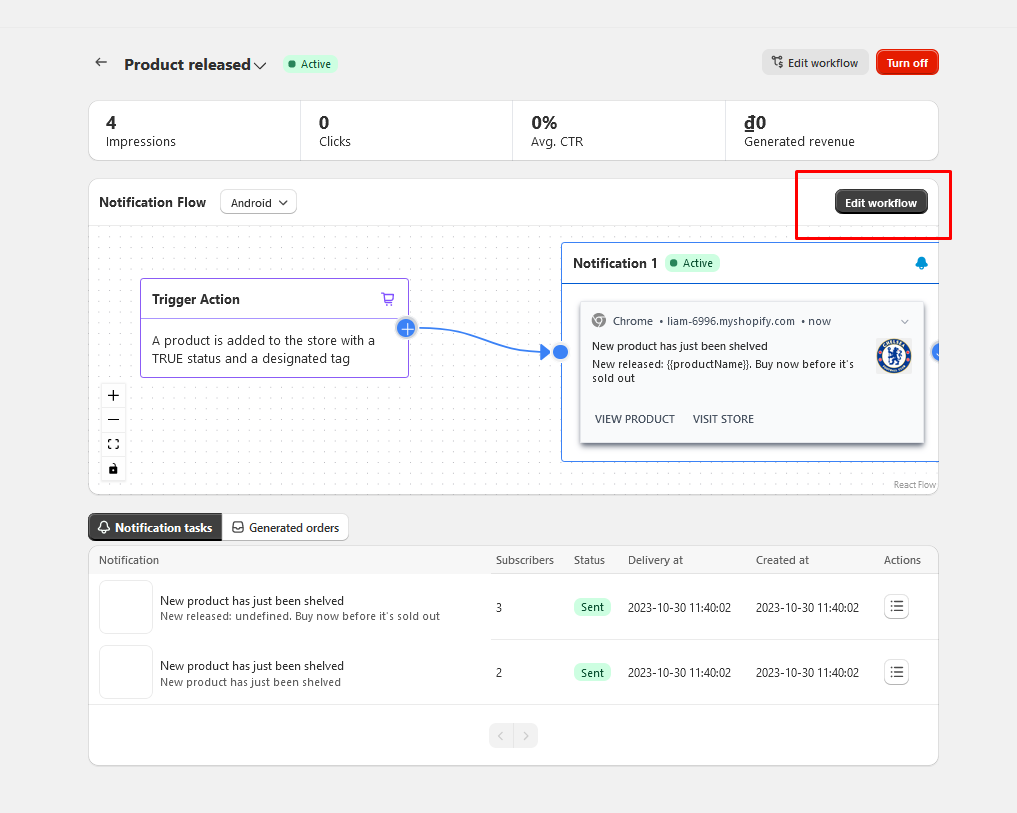
- You can see the General Report of the notification here. Click on Edit Workflow to edit the notification further
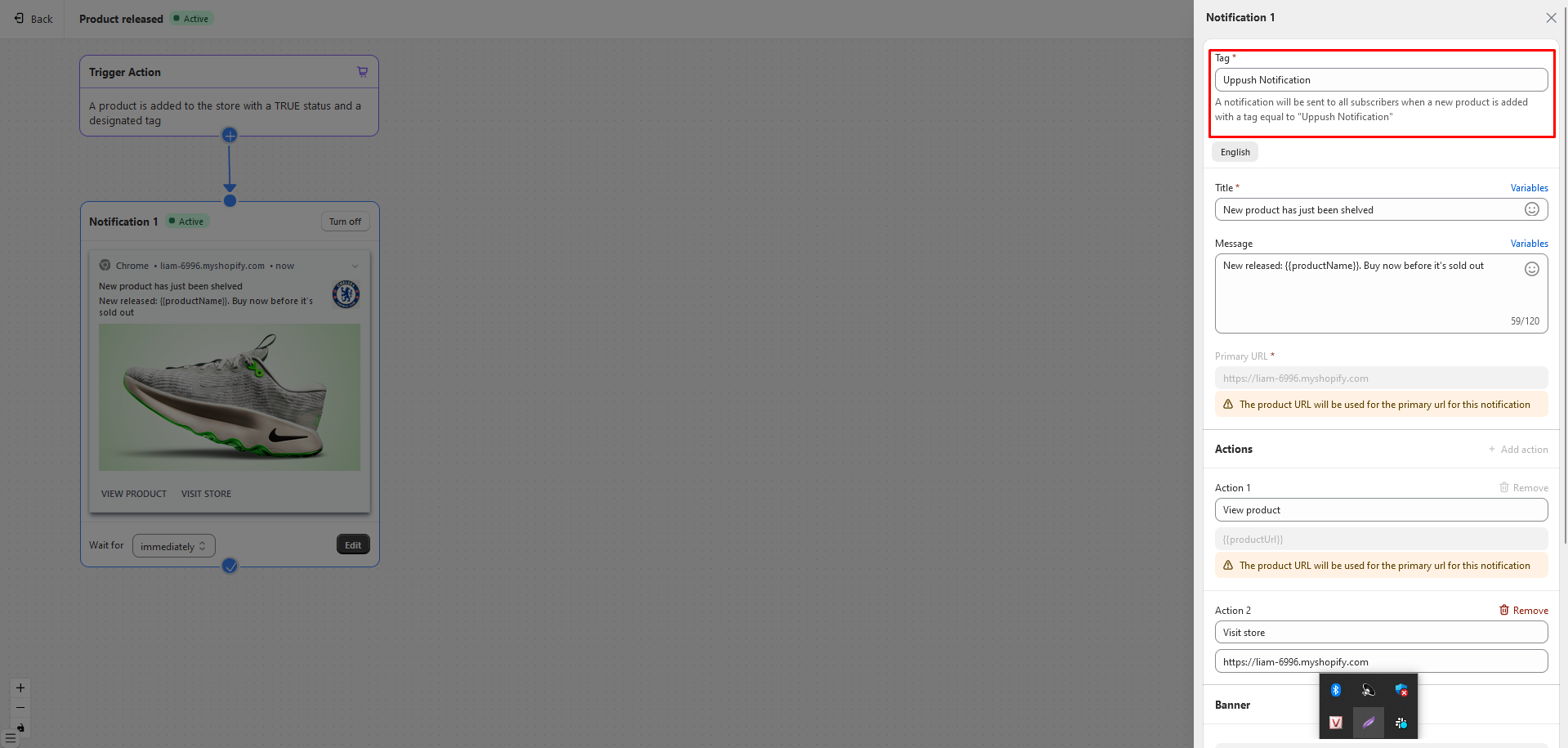
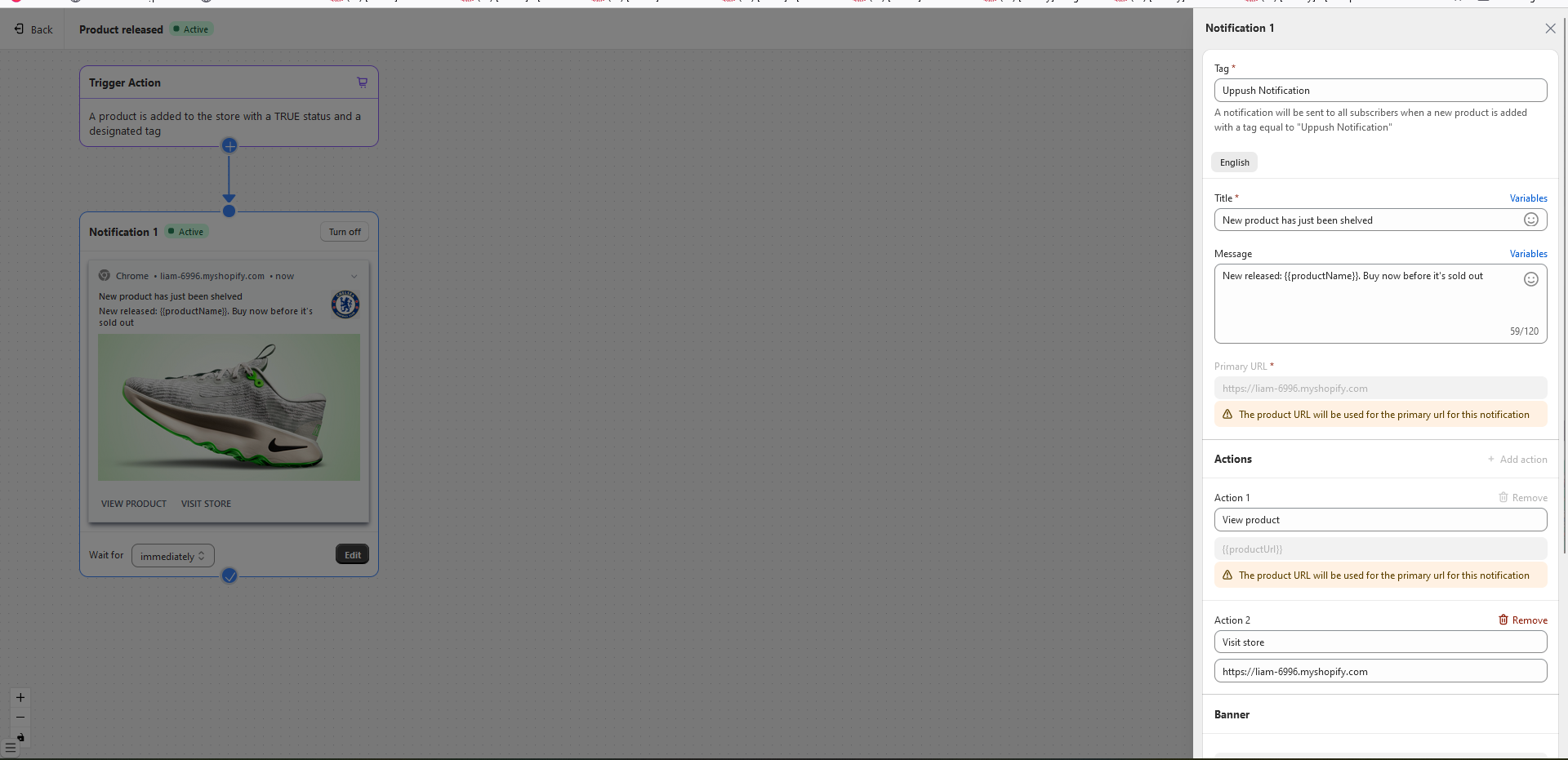
- Edit as you need and we will automatically save it for you
Now you have finished setting up the Product Release notification
Note
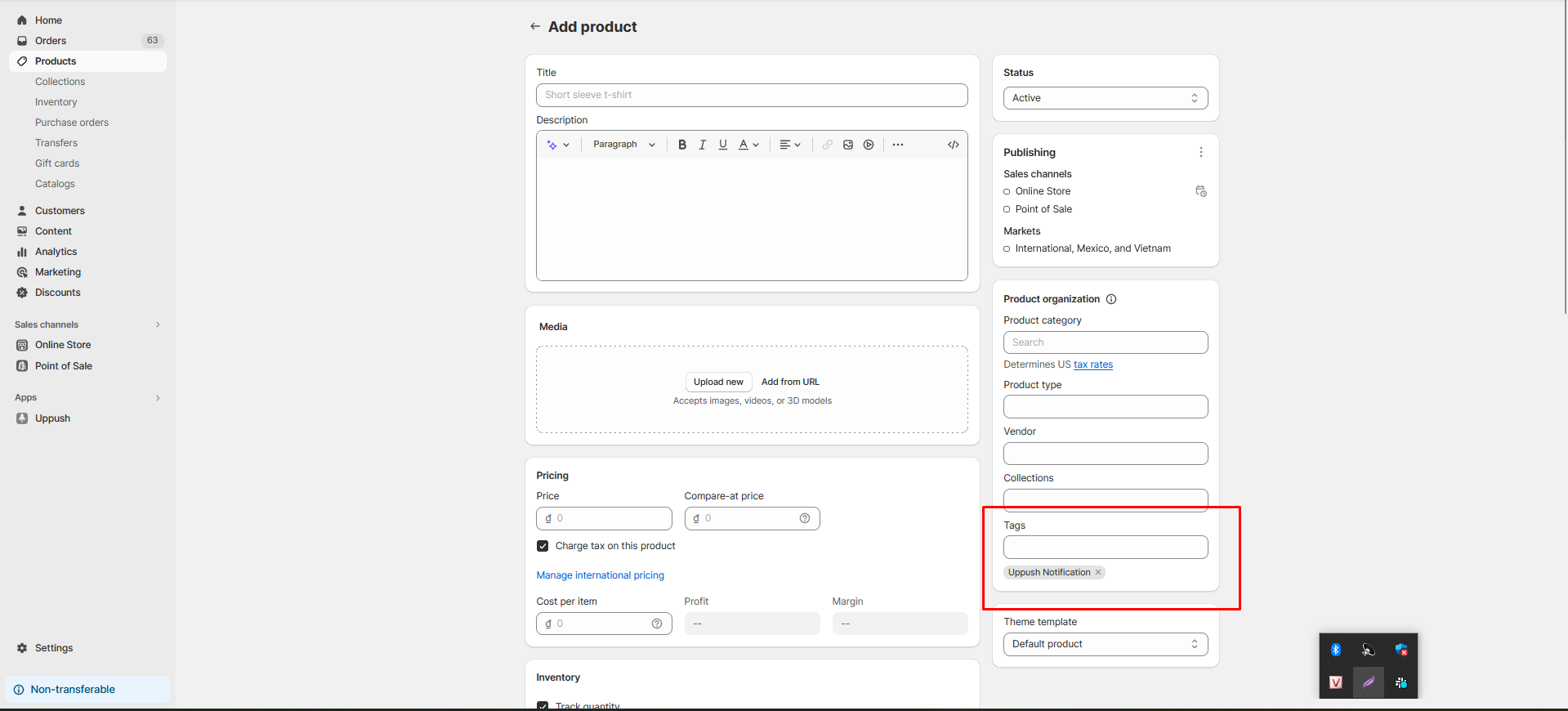
- Please put in the Tag in you have set up in the notification to the product tag when you create a new product. Only then our system can detect it and send the notification to the customer. You can remove it later if you want.