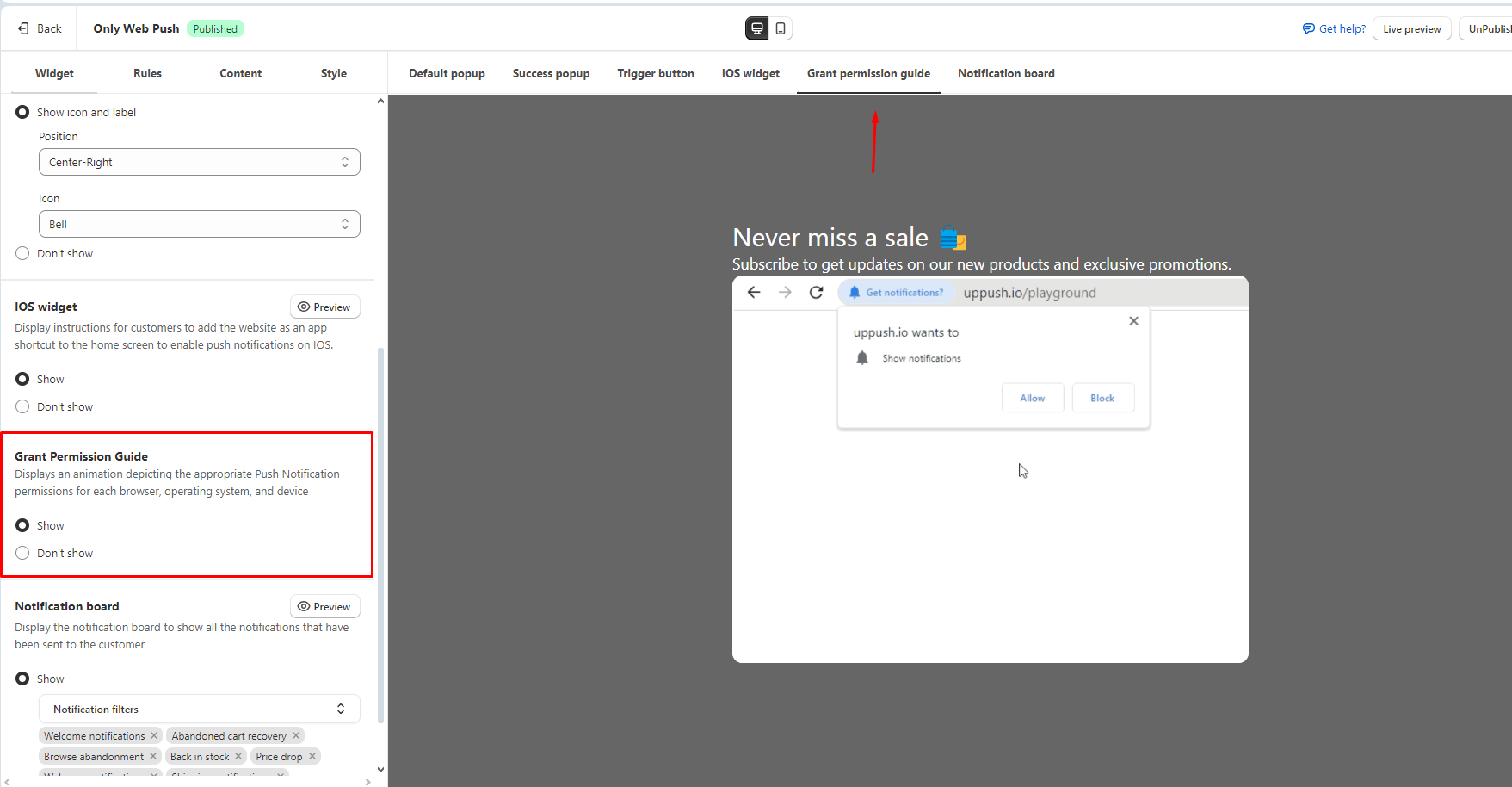
Widget
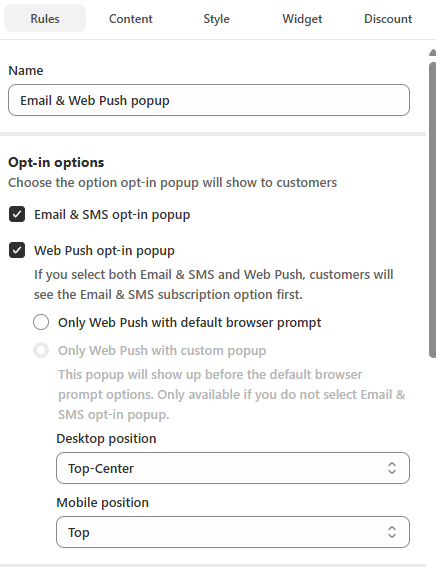
Opt-in/ Popups options
Popups and opt-ins are categorized into three types, each attached with a specific tag:
- Email Marketing: Popups designed to collect customer information for email campaigns.
- Web Push Marketing: Popups using browser-based prompts for web push notifications.
- SMS Marketing: Popups specifically crafted to gather information for SMS marketing.
This offers you the option to select different type of popup to match your need:
- Popup asking for customer information
- Popup with default browser prompt
- Popup without requesting customer information
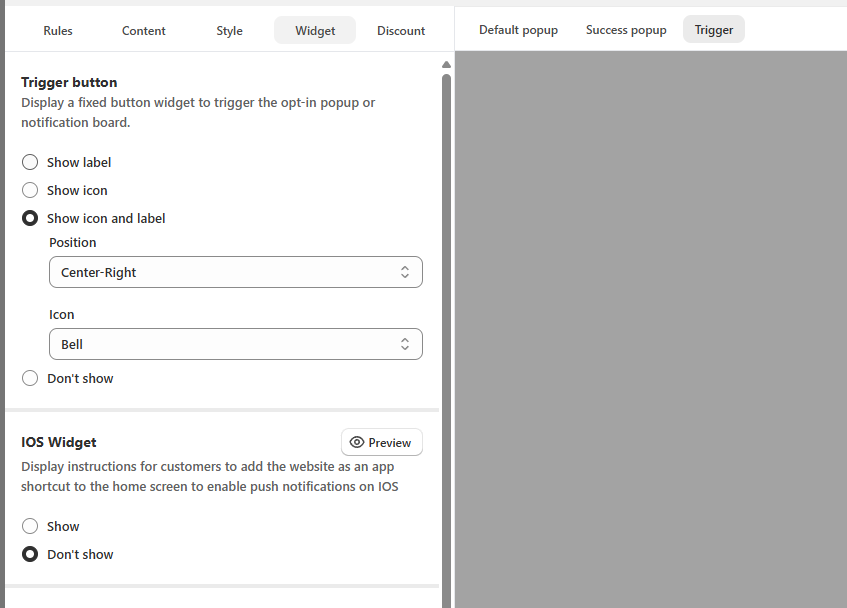
Trigger button
The Trigger button acts as a reminder for customers to re-open the subscription popup (if they haven't subscribed), or to open the Notification board (if they have subscribed)
This section helps you customize the content and position of the button.
iOS Widget
Since Push Notification works differently on iOS (details here), this widget acts as the instructions for customers to follow and share the app to their Home screen.
Grant Permission Guide
After customers subscribe to the popup, they might not allow notification permission from browser, this guide displays a short animation to guide them to do so